
How fast can someone solve a game of FreeCell? While typical players spend several minutes studying the board and shifting sequences in this classic card game, elite speedrunners clear entire layouts in less than a minute. Tracking these benchmarks shows just how far card placement efficiency can be pushed in patience freecell solitaire.
Understanding how record holders scan the board can help you shave minutes off your personal best time.
Play FreeCell Solitaire Online
Enjoy 100% free solitaire uk with no download or registration required. Play directly in your browser in full screen mode.
Play FreeCell Solitaire NowThe Official FreeCell Solitaire World Record
In competitive solitaire speedrunning, players track two main categories: real-time speed and move efficiency.
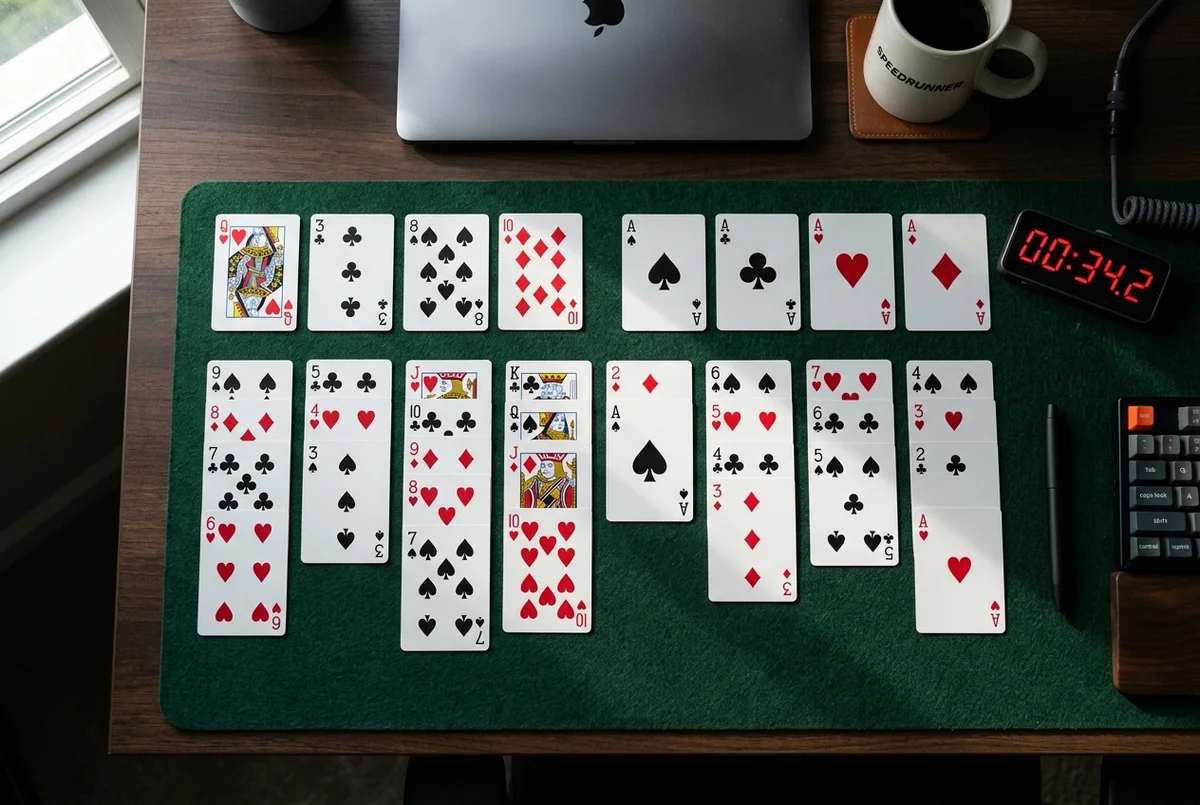
The fastest verified human completion times for the quickest freecell game sit at under 35 seconds. Achieving this record time requires the player to scan the entire 52-card layout before making their first move. Once play begins, the runner inputs moves at a rate of three to four card shifts per second.
For standard players, achieving a win time under 2 minutes and 30 seconds puts you in the top 5% of all active online players.
The Math Behind FreeCell Speedrunning
Unlike classic freecell klondike solitaire, FreeCell is an open information card game. Since all 52 cards are dealt face-up at the start, luck plays a minor role in your speed. There are no hidden surprises in the tableau.
Mathematicians and computer scientists have proven that 99.99% of all standard FreeCell deals are solvable. Out of the classic Microsoft 32,000 deals, only deal number 11982 is unsolvable. This high solvability means that speedrunning FreeCell is purely a test of visual pattern recognition and input speed.
How to Play FreeCell Solitaire Like a Record Holder
To lower your times and get closer to record speeds, you must change how you interact with the cards. Here are some key freecell solitaire tips to help you improve:
1. Pre-Scan the Layout
Do not click the cards as soon as the board loads. Take five to ten seconds to locate the four Aces and the low value cards (2s and 3s) that are buried deep in the columns. Knowing where these target cards are before you start moving others prevents dead ends.
2. Keep Open Cells Free
The four open cells at the top left of the board are your holding zone. The more empty cells you have, the larger the sequence of cards you can move at once. Clogging all four cells early in the game prevents you from shifting long stacks, destroying your completion time.
3. Rely on Double-Clicking
Dragging cards with a mouse is too slow. Double-clicking or double-tapping a card tells the game engine to send it to the foundations or the best available tableau slot automatically.
4. Build in Alternating Colours Immediately
When shifting cards on the tableau, keep your columns sorted in descending order and alternating colours (red on black, black on red). Having clean sequences makes it easier to shift entire card groups to open columns later.
| Player Tier | Time Benchmark | Controls Used | Focus Area |
|---|---|---|---|
| Casual | 4:00 - 7:00 | Drag and drop | Standard rules, simple builds |
| Advanced | 2:00 - 3:00 | Double-click shortcuts | Column balancing, card retrieval |
| Expert | 1:00 - 1:45 | Keyboard / Rapid mouse | Pre-scanned paths, no cell clogging |
| World Class | Under 0:45 | Optimised shortcuts | Frame-perfect card inputs |